

Join #AcademicChatter for support & community.
- Tweets 211,150
- Following 845
- Followers 244,545
- Likes 155,439


ALT A nature scene in the background with a foreground message that reads "In the fast paced world of research, it's easy to get caught up in the pursuit of knowledge and forget about the people behind the work. Let's take a moment to emphasize the importance of checking in on the well-being of our fellow colleagues, students, and peers."

ALT Headline "so every single one of these opens tabs contains valuable information you'll return to?". Underneath, it looks like some kind of mental health facility where a patient sits opposite a support person.

ALT A banner that reads "your first workout will be bad, your first podcast will be bad, your first speech will be bad, your first video will be bad, your first anything will be bad. But you can't make your 100th without making your first. So put your ego aside, and start.

ALT GPT-5 will have PhD level intelligence

ALT Someone has had the DOI link of their first paper tattooed on their back

ALT Parent swan with a baby swan tucked into it's back (in between wings)

ALT A quote that says "I want AI to do my dishes so that I can do art and writing, not for AI to do my art and writing so I can do laundry and dishes"

ALT A young girl looks upset whilst coloring in


ALT Life in academia as a headline. Man on the left is at work thinking about a holiday and a man on the right is on holiday but thinking about work.
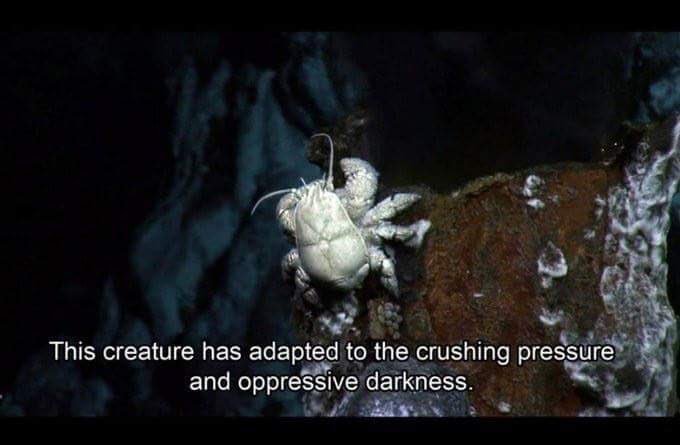
ALT A crab-like creature with a caption "this creature has adapted to the crushing pressure and oppressive darkness"


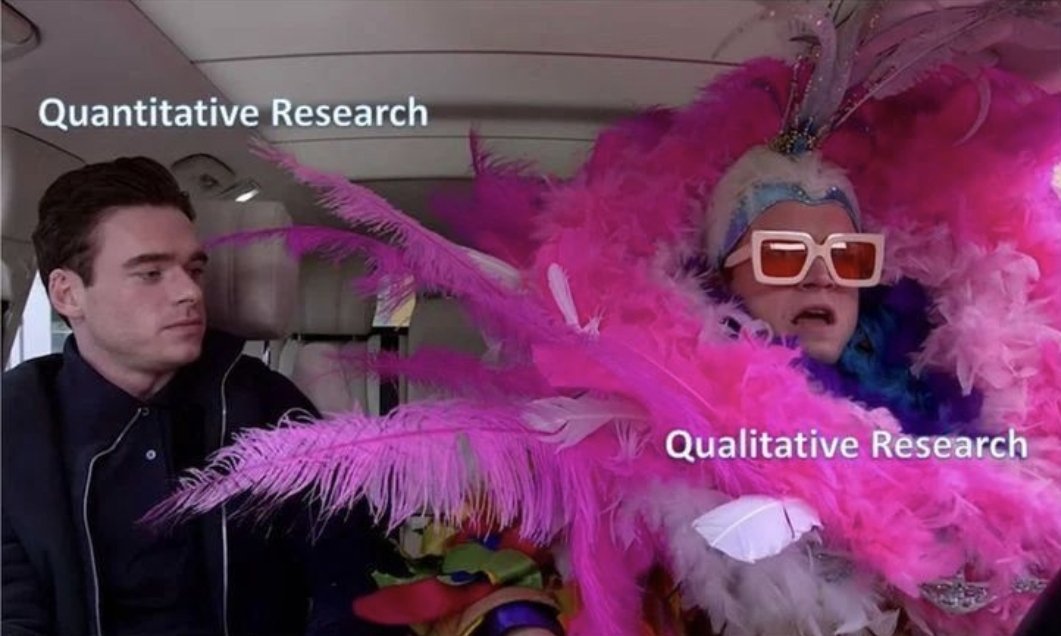
ALT Person on the left in plain black clothes labeled "quantitative research" and person on the right in big flamboyant, pink clothing labeled "qualitative research"


ALT Half horse (bottom half), half shark (top half).

ALT Mark Zuckerberg staring coldly at you through a window.


ALT A grid displaying various computer monitor setups. 1=single monitor, 2=wide-screen, 3=dual screen, 4=one + a vertical monitor, 5=3 screens, 6=6 screens (3 up top and 3 underneath), 7=tablet, 8=2 vertical screens and a normal one, 9=laptop.

ALT A tweet that asks "What do you use to make posters? Wrong answers only". There's a reply to that tweet by user @BrentRisky that says "As a feminist scholar, obviously I use a mixture of menstrual blood, interpretive dance, and men's tears xx"

ALT Half horse, half shark. Four horse legs with a shark body and head on top.

ALT this shows the litmaps citation map embeded in obsidian

ALT an arrow pointing to the litmaps embed code that has been pasted directly into an obsidian note

ALT an arrow pointing to where to click to copy the embed code of the citation map

ALT a litmaps citation map example that we would like to embed in obsidian

ALT an citation map embedded within obsidian notes

ALT a litmaps visualisation showing how to spot review papers (high on references and citation count)


ALT a litmaps visualisation showing "map relevance", how well connected a particular research paper is

ALT a litmaps visualisation showing where to look to find the most recent impactful papers (top right of the graph)

ALT a litmaps visualization of papers connected to each other based on citation, there is an option to change the axes

ALT a page from the litmaps tool showing how to upload papers (e.g. BibTex, or RIS files)

ALT a page from the litmaps tool showing how to create a new map

ALT a page from the litmaps tool showing how to export items

ALT A network data visualisation showing various papers (as circle nodes) connected together with lines. The x axis is the citation count and the y axis is map relevance.


ALT a litmaps page showing how to sort the papers in the network visualization by map relevance

ALT a litmaps page showing how to prioritize the papers on the visulation by recency or impact, and other options.


ALT a litmaps page showing how to save papers and export (BibTeX, CSV, or RIS) for use with reference managers etc.

ALT a limaps page showing how to save some of those recommended papers to the collection you already have

ALT a litmaps page showing a line and dot network visualisation and where to click to find recommended papers